
Free AI Anime Upscaler — Upscale Anime to 4K
Upscale anime images, manga scans, illustrations, and digital art to 2x or 4x resolution with AI. Real-ESRGAN preserves crisp line art, flat colors, and smooth gradients — no blurring, no artifacts, no haloing.
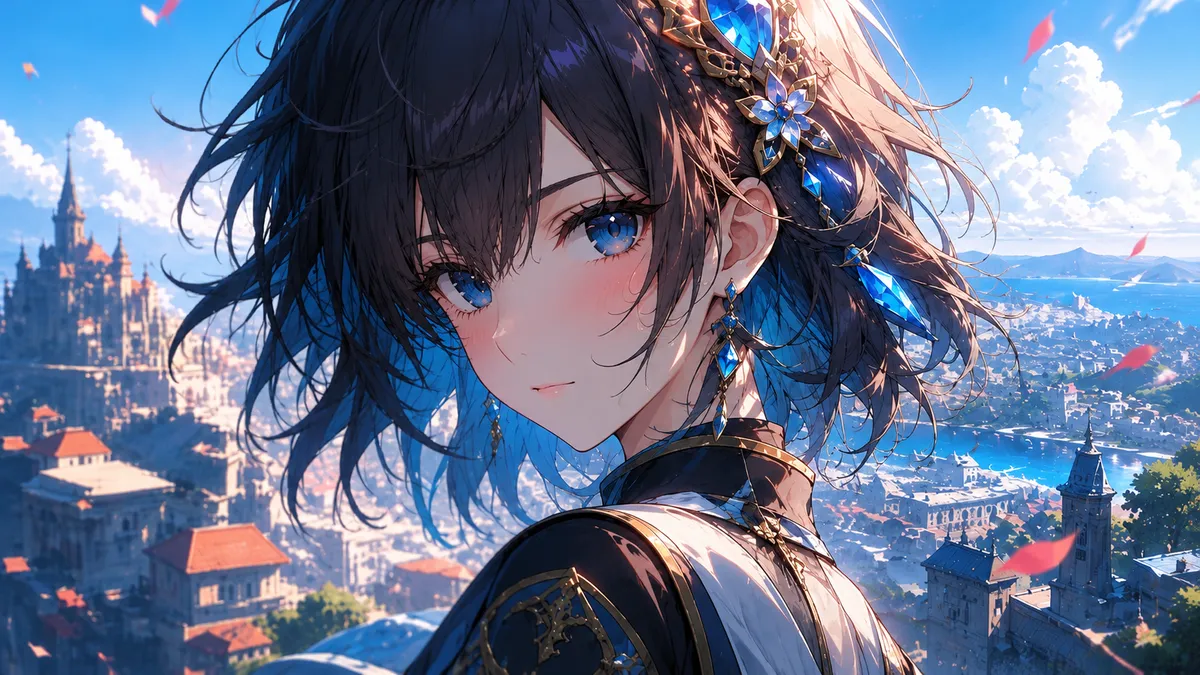
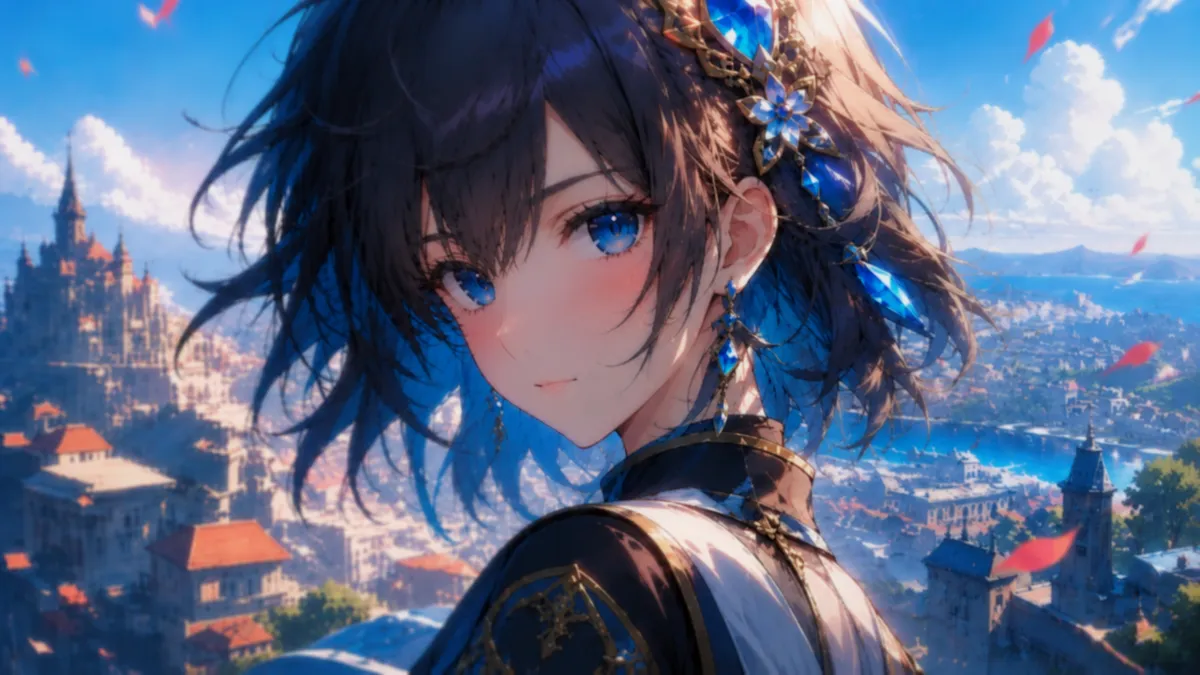
Anime Upscaling Results
See how AI upscaling preserves clean lines and vibrant colors in anime artwork. Drag the slider to compare the original and 4x upscaled versions.
What Can You Upscale?
Our AI handles all types of anime and digital art
Anime Screenshots
Upscale screenshots from anime episodes, OVAs, and movies to wallpaper-quality 4K resolution.
Manga Scans
Enhance manga panel scans for reading on high-DPI displays or printing at larger sizes.
Digital Illustrations
Scale up fan art, concept art, and original illustrations for prints, posters, and merchandise.
Game Assets
Upscale game sprites, pixel art, visual novel backgrounds, and character portraits for HD remasters.
Tips for Best Anime Upscaling Results
Use PNG, Not JPEG
JPEG compression creates blocky artifacts around line art that get amplified during upscaling. Always use PNG input for the cleanest anime upscaling results.
Start with the Best Source
Find the highest quality version of the image available. A clean 720p source will produce a better 4K result than a compressed 1080p source with artifacts.
4x Works Great for Anime
Anime art with its flat colors and clean lines upscales cleanly at 4x. Unlike photos, where 2x is sometimes safer, anime artwork handles higher upscale ratios without visible artifacts.
Check Edge Quality
After upscaling, zoom in on line art edges. Look for haloing (light/dark fringes) or jagged lines. These indicate the source image had pre-existing compression artifacts.
Anime Upscaler — FAQ
An anime upscaler is an AI tool designed to increase the resolution of anime images, manga scans, and digital illustrations while preserving the unique characteristics of anime art — clean line art, flat color areas, and smooth gradients.
UpscaleFast uses Real-ESRGAN which produces sharper results with fewer artifacts than Waifu2x. Real-ESRGAN was trained on a much larger and more diverse dataset, handles both anime and photographic content, and supports up to 4x upscaling natively.
Anime screenshots, manga panels, digital illustrations, pixel art, game sprites, visual novel CGs, and fan art all work great. Use PNG format for input to avoid JPEG compression artifacts.
Yes. Upscaling manga scans at 4x can bring them to 300 DPI print quality for most page sizes. For best results, start with the highest quality scan available and use PNG format.
Yes. UpscaleFast offers 3 free anime upscales per day with no account required. No watermarks on results.