
Free AI Image Upscaler — Upscale Photos to 4K
Upscale JPG, PNG, and WebP images to 2x, 3x, or 4x resolution with Real-ESRGAN AI. Choose a scale, download the result, and compare it with your original. Free online image upscaler for photos, artwork, and product images.
Other tools you may be interested in
Remove background from images instantly with one click
Restore blurry or damaged faces in old photos with AI
Replace photo backgrounds with any AI-generated scene
Create stunning images from text descriptions with Flux AI
Erase unwanted objects, watermarks, and people from photos
Turn any selfie into a professional headshot for LinkedIn
AI enhances textures, details, and faces beyond resolution
Advanced face restoration with better identity preservation
Bring black and white photos to life with natural colors
Batch resize hundreds of images in one click — no upload
Convert between PNG, JPG, WebP instantly — no upload needed
Enhance image with upscale AI
Powered by AI technology, our image upscaler can enlarge your images by 200% or 400% without losing quality. Enhance your photos with higher resolution and better detail.
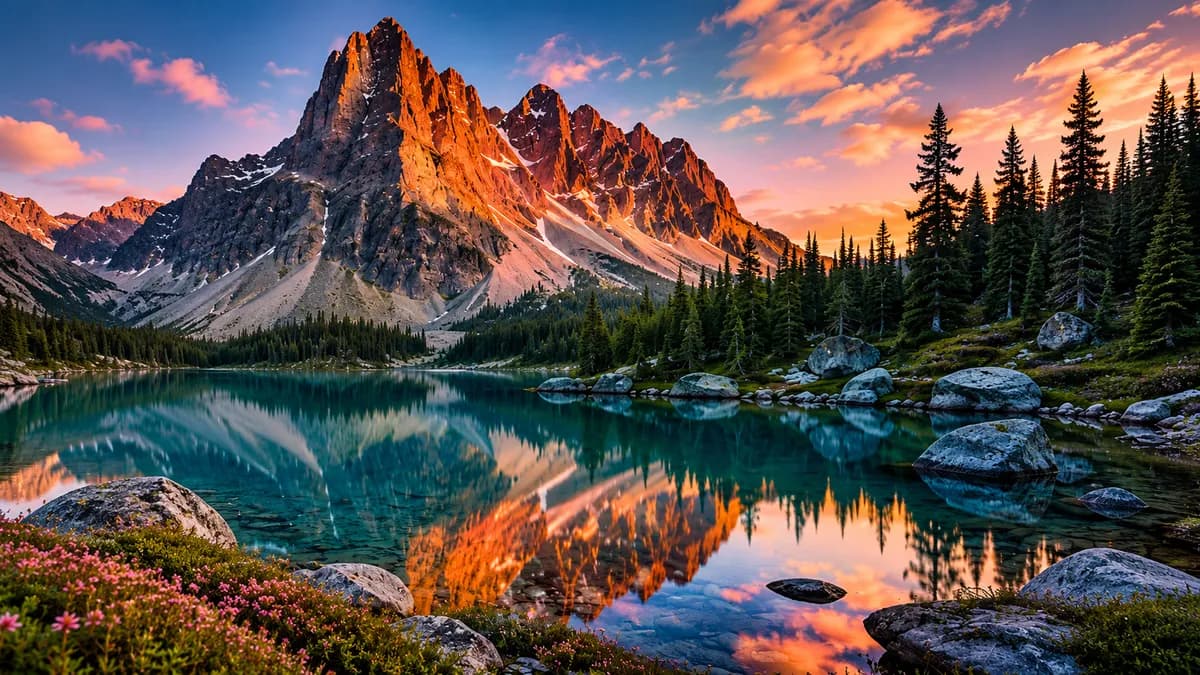
Perfect for Product Photography
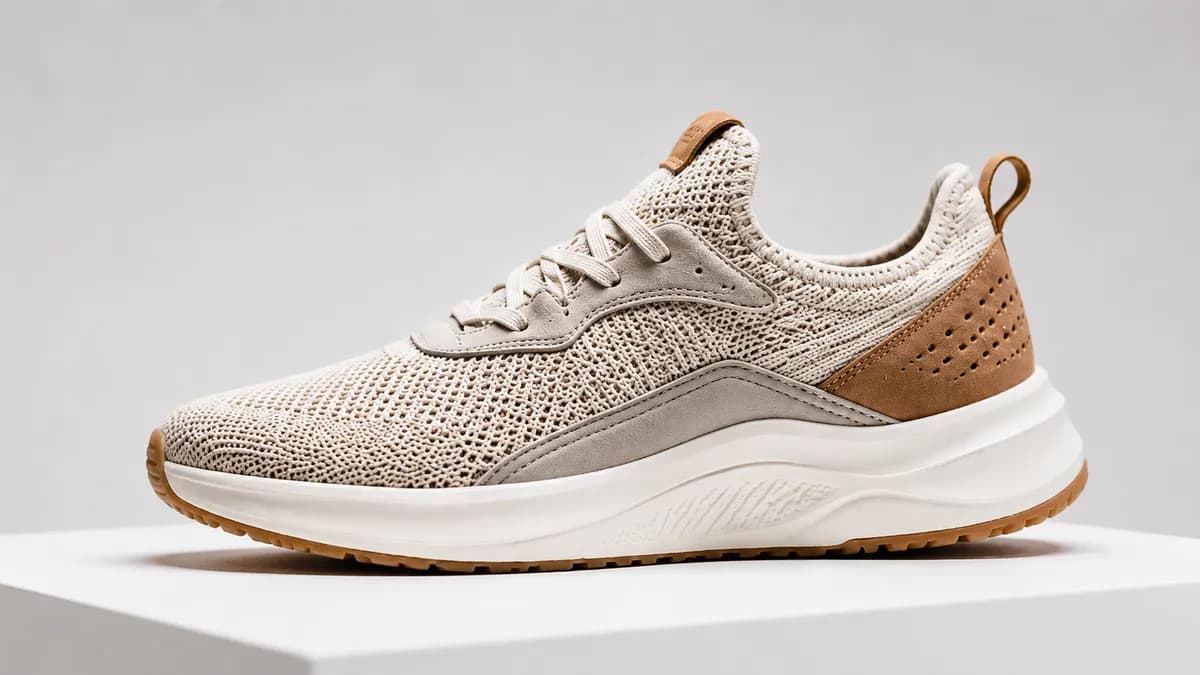
Upscale product images for e-commerce, Amazon, Shopify, and Etsy listings. AI preserves textures, stitching, and fine details at 4x resolution.
Advanced AI Engine
Real-ESRGAN generates a larger image from your upload. Results depend on the original detail and compression.
Smart Enhancement
Upscale by 2x or 4x while preserving natural details, sharp edges, and realistic textures. Low-res to 4K in one click.
Batch Upscaling
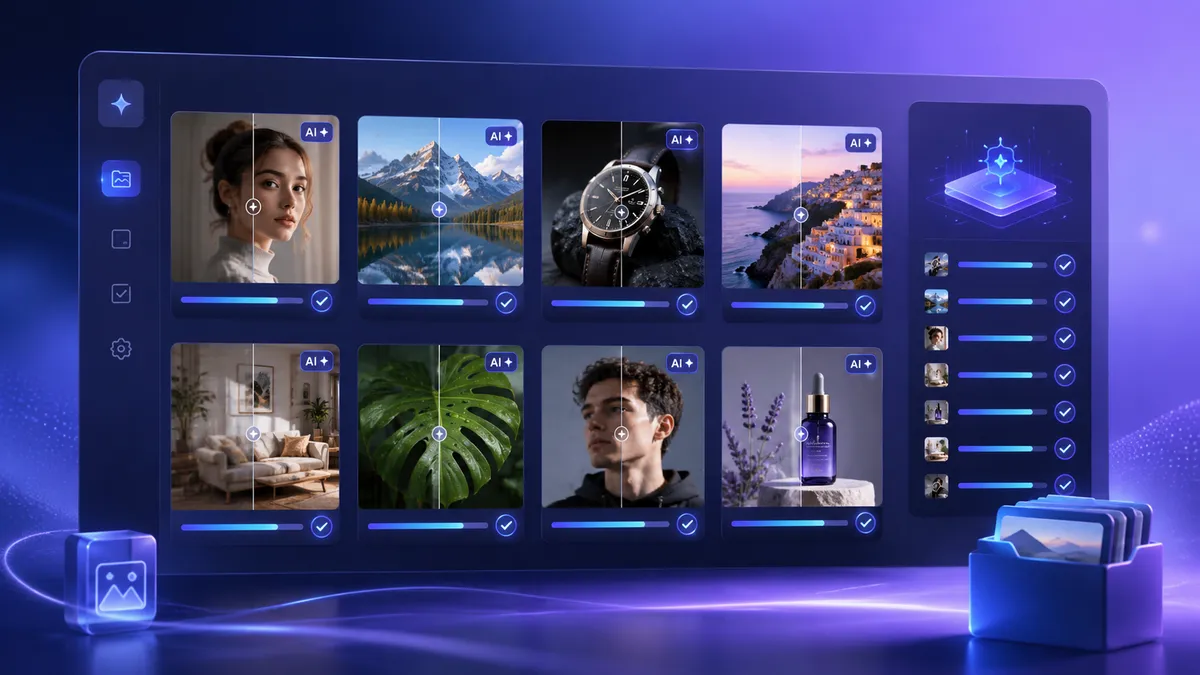
Upscale up to 5 images at once. Perfect for photographers, designers, and e-commerce sellers.
Resize and Convert
Use the separate resize and format conversion tools to prepare your images for the next step.
Privacy-First
Cloud tools send images to processing providers. Read our privacy policy before uploading sensitive images.
Free for Commercial
No added watermark. Use images you own or have permission to edit; upscaling does not change the underlying rights.
How to Upscale an Image
Follow these simple steps to upscale an image online with UpscaleFast.
Upload Your Image
Drag and drop any photo you want to upscale. Our AI supports portraits, landscapes, product photos, artwork, and more.
Choose the Upscale Ratio
Select 200% or 400% to increase your image size. Click "Upload and Start" to begin AI processing.
Preview and Download
Preview your upscaled image with improved resolution and detail, then download it instantly in high quality.
Upscale Anime & Digital Art
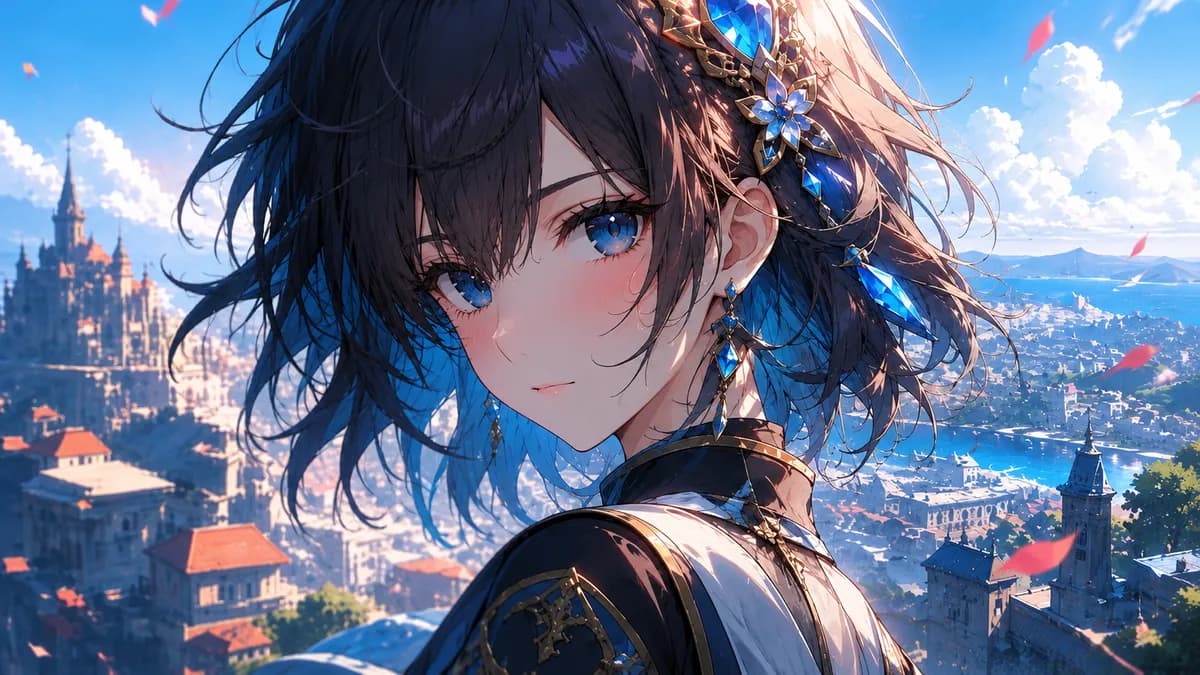
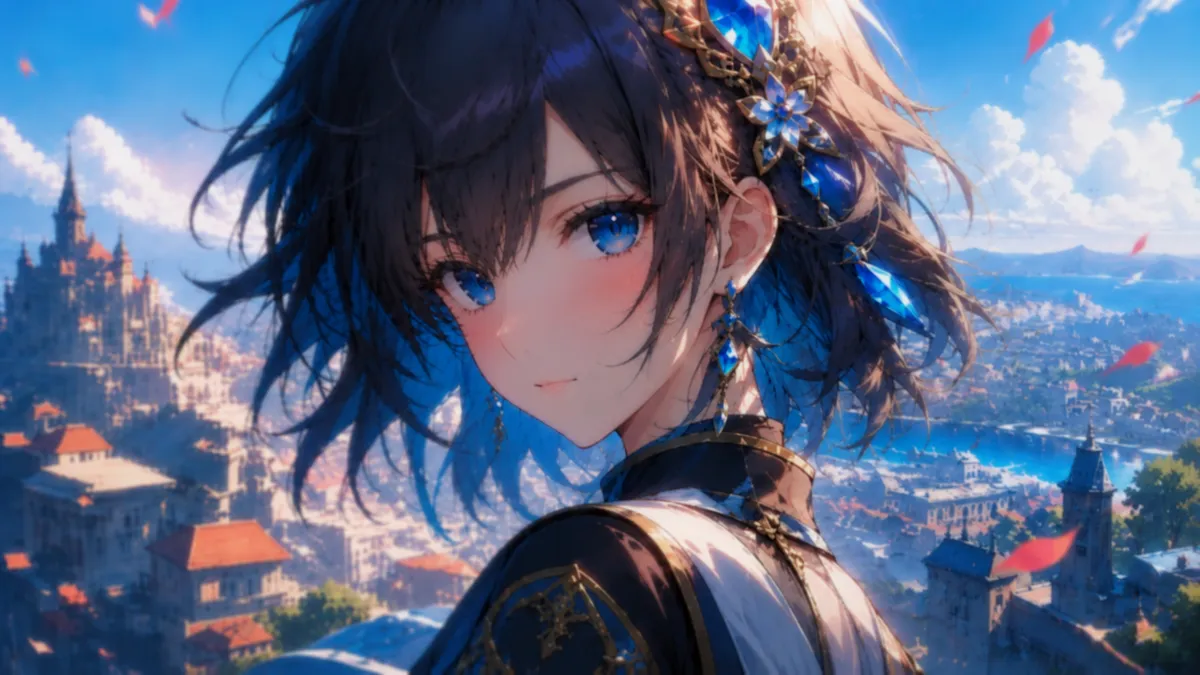
Real-ESRGAN AI excels at anime and illustration upscaling. Inspect lines, colors, and fine details in the enlarged result. Try our dedicated Anime Upscaler for optimized results.
Batch Process Multiple Images
Upload and upscale multiple images at once. Perfect for photographers, designers, and e-commerce sellers handling large volumes of images.
Who Uses UpscaleFast?
Image workflows for photographers, designers, and online sellers
Photographers
Upscale old photos or crop-heavy shots to print-ready resolution without losing detail.
E-Commerce Sellers
Make product images sharper and larger to meet marketplace requirements and boost conversions.
Graphic Designers
Scale low-res assets and client images to 4K+ for presentations, prints, and mockups.
Content Creators
Upscale thumbnails, social media graphics, and video stills for crystal-clear content.
Frequently Asked Questions
Get Answers to Your Questions About UpscaleFast
An AI image upscaler is a smart tool that uses artificial intelligence to increase image resolution. It predicts and reconstructs missing details, creating clearer, smoother, and more natural high-resolution images.
AI image upscalers use deep learning models trained on millions of image pairs. When you upload a low-resolution image, the AI analyzes patterns, textures, and structures to intelligently fill in missing pixel data, producing a higher-resolution output that looks natural.
Both terms are often used interchangeably. Traditional image enlargement simply stretches pixels, causing blur. AI upscaling uses neural networks to generate new detail, resulting in sharper, cleaner results at larger sizes.
Choose 2x, 3x, or 4x based on your source dimensions. A 960-pixel-wide image becomes 3840 pixels wide at 4x. Smaller images will not reach that width in one 4x upscale.
Online image upscalers are ideal for enhancing product photos for e-commerce, restoring old photographs, improving social media images, enlarging artwork for printing, and upscaling screenshots or low-resolution images for presentations.
Download your result and open it in your preferred editor. You can also use the separate image resize and image converter tools on this site.