
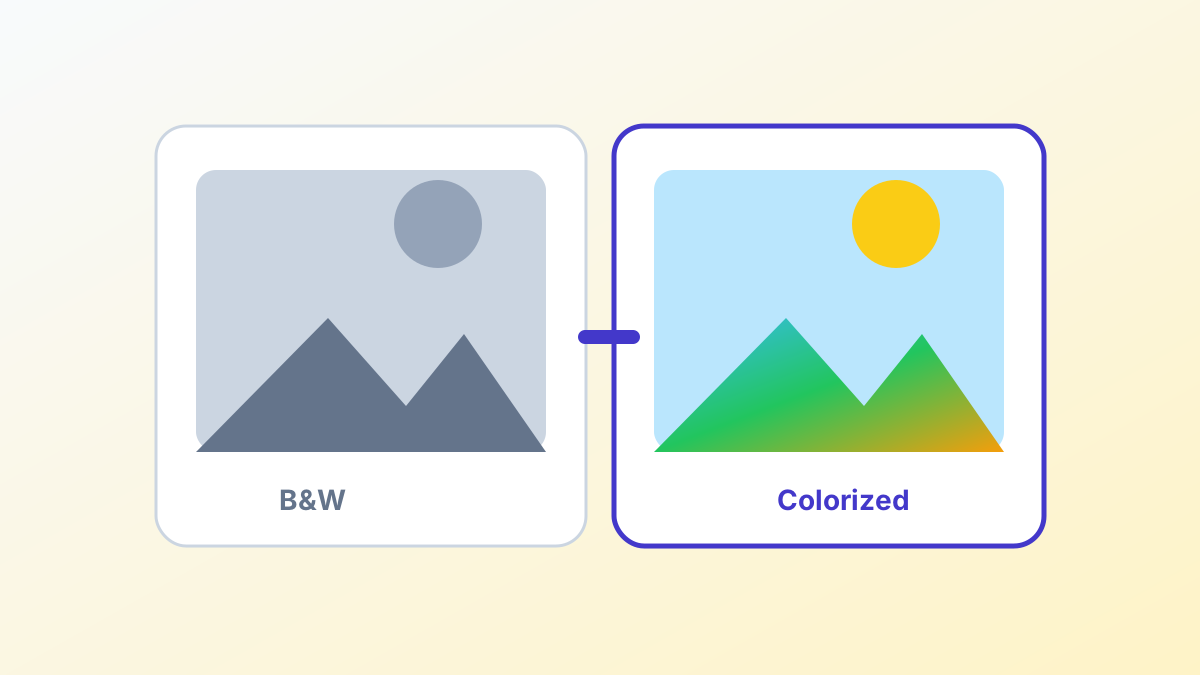
AI colorization has become remarkably accurate in 2026. What once required a skilled digital artist spending hours per photo can now be done automatically in seconds — and often with surprisingly realistic results.
How AI Colorization Works
Modern AI colorizers use deep neural networks trained on millions of color photographs. The AI learns the relationship between visual patterns and their typical colors:
- Sky regions are typically blue or gray
- Skin tones follow predictable patterns based on lighting
- Vegetation maps to various greens based on context
- Clothing and objects are educated guesses based on texture and context
The result is a colorized image that looks natural and realistic, though the specific colors (especially for clothing) are the AI's best interpretation, not historical fact.
Step-by-Step Guide
### 1. Prepare Your Photo - Scan the original print at 300 DPI or higher - Crop any white borders from the scan - Don't apply any filters or adjustments before colorizing
### 2. Upload to UpscaleFast - Go to the Image Colorizer - Upload your black and white photo (JPG, PNG, or WebP) - Click "Colorize with AI"
### 3. Download and Enhance - Download your colorized photo - Optionally, run it through the Image Upscaler for higher resolution - Or use the Face Enhancer to sharpen facial details
Tips for Best Results
What works great: - Clear, well-exposed photos with good contrast - Outdoor scenes (sky, grass, trees colorize very accurately) - Portraits with good lighting - Architecture and cityscapes
What's more challenging: - Very dark or overexposed photos - Photos with heavy damage or scratches (fix these first) - Unusual or rare colored objects - Very small or low-resolution images
Combining AI Tools for Full Restoration
For the best restoration of old photos, combine multiple tools in this order:
- Upscale — Increase resolution first with the Image Upscaler (2x or 4x)
- Colorize — Apply AI colorization to the higher-resolution image
- Face Enhance — Run through Face Enhancer to sharpen facial details
- Background Replace (optional) — Replace a damaged background with a clean one
Each step works on the output of the previous one, building quality at each stage.
The History and Accuracy Question
It's important to note that AI colorization creates the most likely colors, not the actual colors. A blue shirt could have been red in real life. For historical documentation, always note that colors are AI-generated interpretations.
That said, the AI is remarkably accurate for: - Skin tones and hair colors - Sky, water, and vegetation - Common materials (wood, brick, concrete, metal) - Military uniforms (when era and region provide context)
UpscaleFast's Image Colorizer is free with 3 uses per day and no signup required.