
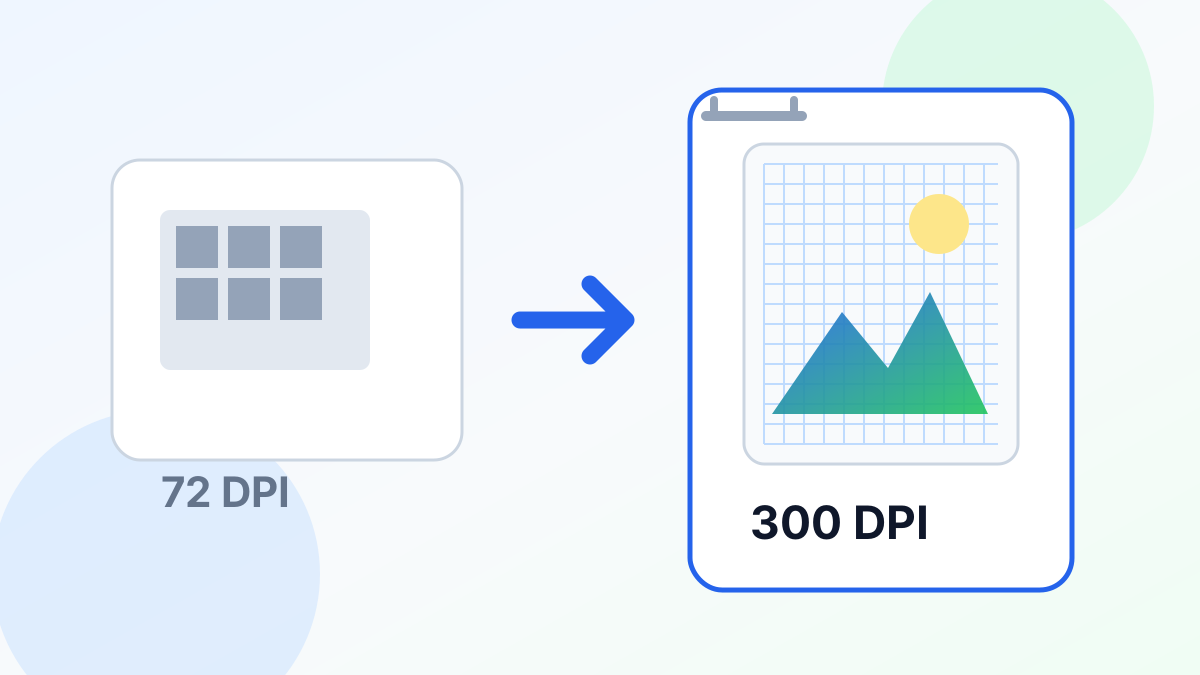
"Change DPI to 300" is one of the most misunderstood image tasks. Simply changing the DPI number in Photoshop does not add detail — it just changes how the printer interprets the existing pixels. To actually get 300 DPI print quality, you need more pixels, which is where AI upscaling comes in.
DPI vs Pixels: What Actually Matters
DPI (dots per inch) is just a ratio. The same 1000×1000 pixel image can be labeled as 72 DPI or 300 DPI — the file does not change. What changes is the print size:
- 1000px at 72 DPI = 13.9 inches
- 1000px at 300 DPI = 3.3 inches
If your printer needs 300 DPI and you want an 8×10 print, you need at least 2400×3000 pixels. If your image is only 800×1000, changing the DPI label to 300 just makes it print at 2.7×3.3 inches.
How to Actually Get 300 DPI
- Calculate the pixels you need: Multiply your desired print size (in inches) by 300. For an 8×10 print: 2400×3000 pixels.
- Check your current resolution: Right-click your image > Properties (or open in any image editor).
- Upscale if needed: Upload to UpscaleFast and select the scale factor that gets you to your target pixel count.
- Set the DPI metadata: Open the upscaled image in any editor and set DPI to 300 (Image > Image Size in Photoshop, or use a free tool like IrfanView).
Common Scenarios
| Source Image | Target Print | Pixels Needed | Upscale Factor | |---|---|---|---| | 640×480 (old phone) | 8×10 | 2400×3000 | 4x | | 1080×1920 (phone) | 8×10 | 2400×3000 | 2x | | 1024×1024 (AI art) | 11×14 | 3300×4200 | 4x | | 2000×3000 (DSLR) | 8×10 | 2400×3000 | None needed |
Why AI Upscaling Beats Photoshop Resize
When Photoshop resizes an image, it interpolates between existing pixels — the result looks soft and blurry. AI upscaling with Real-ESRGAN generates new detail based on what it has learned from millions of high-resolution images. The result is genuinely sharper, with real texture and edge detail.
Quick Guide by Use Case
- Wedding invitations: 300 DPI, upscale couple photos to at least 2x
- Poster prints: 150-300 DPI depending on viewing distance — 4x upscale
- Business cards: 300 DPI, upscale logos if they are low-resolution
- Canvas art: 150 DPI is fine (textured canvas hides pixels) — 2x is usually enough
Increase your image resolution free with UpscaleFast — real AI upscaling, not just DPI relabeling. 3 free uses per day.