
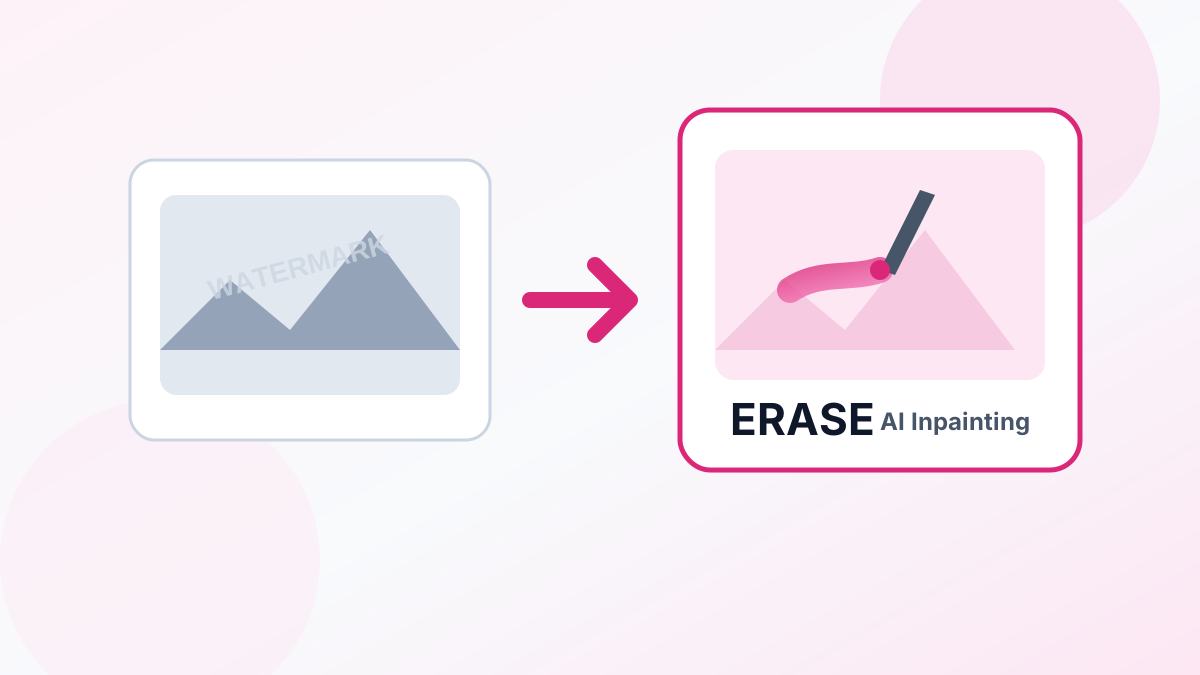
Distracting elements in photos — like photobombers, watermarks, logos, or power lines — can ruin an otherwise perfect shot. With modern AI inpainting, you can paint over any unwanted object and let the AI fill the space naturally in seconds.
How AI Inpainting Works
Unlike traditional clone stamping that manually copies pixels from one part of a photo to another, AI inpainting analyzes the surrounding context (lighting, textures, background structures) and dynamically generates brand-new content to fill the deleted area.
Common Object Removal Scenarios
- Watermarks and Text — Erase date stamps, copyright text, and watermarks from stock assets.
- Unwanted People — Remove background tourists and photobombers from holiday shots.
- Blemishes and Imperfections — Remove dust spots, camera lens smudges, and facial blemishes.
- Cables and Power Lines — Clear out sky clutter in landscape and real estate photos.
Step-by-Step Removal Guide
- Upload your image — Go to the Object Remover and upload your photo.
- Paint over the object — Use the adjustable brush cursor to draw over the elements you want to delete.
- Execute AI Removal — Click "Erase" and our AI will process the inpainting in seconds.
- Download your photo — Save your clean, distraction-free photo.
Erase unwanted elements online free using the UpscaleFast Object Remover.