
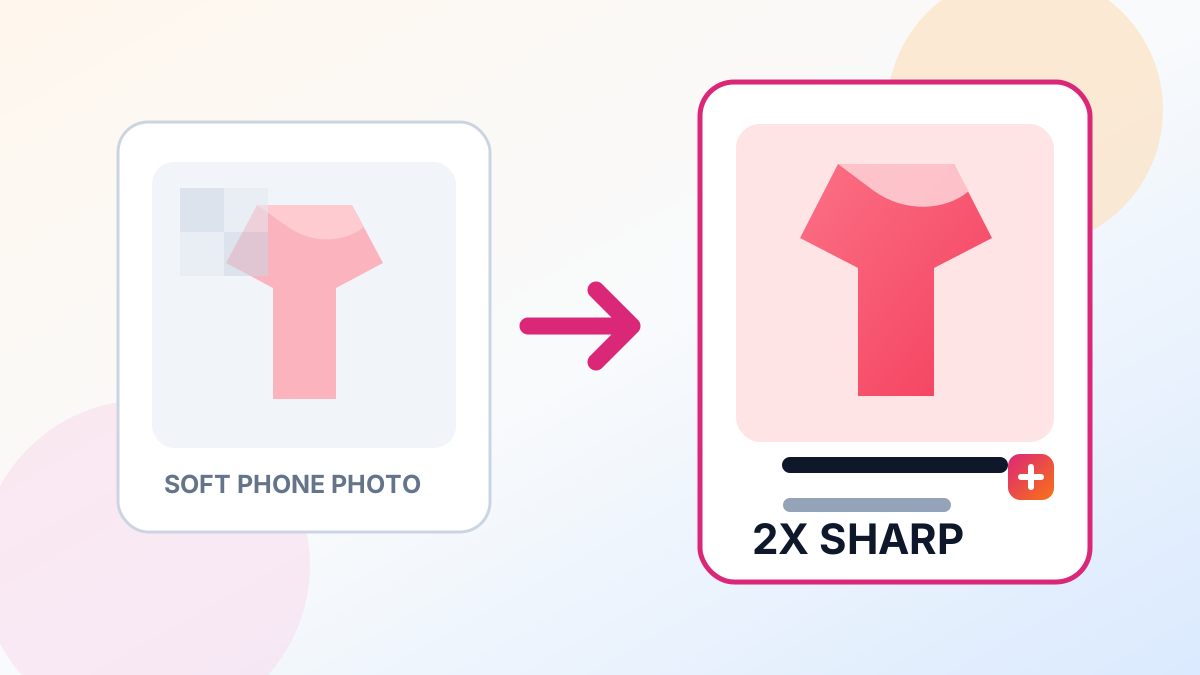
Poshmark buyers scroll fast. Blurry, pixelated listing photos get skipped. High-resolution images let buyers zoom in on fabric texture, stitching, labels, and condition details — which builds trust and drives sales.
Why Image Quality Matters on Poshmark
Poshmark displays cover photos at roughly 600×600 pixels in the feed, but buyers tap to zoom. If your source image is only 640×480 from an older phone, the zoom view looks soft and blurry. Upscaling to 2x or 4x gives buyers crisp detail at every zoom level.
Higher quality photos also help with: - Poshmark's algorithm — listings with better engagement rank higher in search - Fewer returns — buyers see exactly what they are getting - Higher offers — sharp detail photos justify higher asking prices
How to Upscale Poshmark Photos
- Take your photos in natural daylight on a clean background
- Upload each photo to the UpscaleFast Image Upscaler — select 2x for phone photos or 4x for older camera shots
- Download the upscaled version
- Upload to your Poshmark listing
For flat-lay photos, also try the Background Eraser to get a clean white background that makes items pop.
Photo Tips for Poshmark Sellers
- Shoot in natural light near a window — avoid flash
- Use PNG format when saving edited photos to avoid compression
- Show all angles — front, back, tag, and any flaws
- Crop tight to the item, then upscale so buyers can zoom into fabric detail
- Include measurements in at least one photo with a measuring tape
Best Scale Setting
For Poshmark specifically, 2x upscaling is the sweet spot. It doubles your resolution without over-processing, keeping fabric textures natural. Use 4x only if your source photo is under 500px wide.
Upscale your Poshmark photos free with UpscaleFast — 3 uses per day, no signup, no watermark.