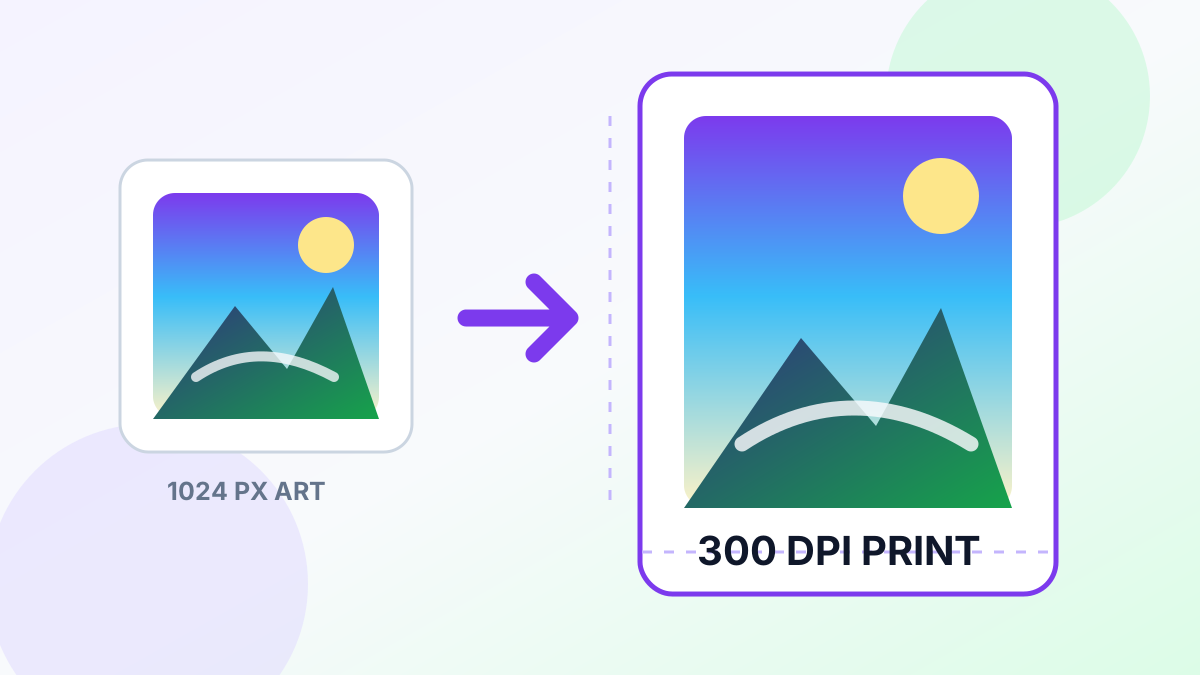
Midjourney creates stunning AI artwork, but the default output resolution (1024×1024px) is too small for quality prints. At 300 DPI, a 1024px image only prints at 3.4 inches — barely larger than a phone screen.
The Math: Pixels, DPI, and Print Size
Print size = Pixels ÷ DPI. At 300 DPI (the standard for quality printing):
| Midjourney Output | Print Size at 300 DPI | After 4x Upscale | New Print Size | |---|---|---|---| | 1024×1024 | 3.4×3.4 in | 4096×4096 | 13.6×13.6 in | | 1024×1792 | 3.4×6.0 in | 4096×7168 | 13.6×23.9 in | | 1792×1024 | 6.0×3.4 in | 7168×4096 | 23.9×13.6 in |
With 4x AI upscaling using Real-ESRGAN, a Midjourney image can print up to poster size at full 300 DPI quality. See our guide on increasing image DPI to 300 for more detail.
How to Upscale Midjourney Art for Print
- Generate your image in Midjourney at the highest quality (use --q 2 or --style raw for maximum detail)
- Download the full-resolution version from the Midjourney website (not the Discord preview)
- Upload to UpscaleFast and select 4x upscaling
- Download the upscaled result — it is now print-ready at 300 DPI for sizes up to ~14×14 inches (or larger at 150 DPI)
Choosing the Right Scale Factor
- 2x: Good for small prints (8×10 or smaller) and phone cases
- 4x: Ideal for posters (up to 24×24), canvas prints, and framed art
Print Services That Work Great
Most online print services accept high-resolution PNG or JPEG uploads: - Canvas prints (Canvass, Shutterfly) - Metal prints (Displate, Bay Photo) - Framed art prints (Society6, Fine Art America) - Poster prints (Vistaprint, Printful)
Tips for Best Print Results
- Use PNG format throughout — export from Midjourney as PNG, upscale as PNG, upload to printer as PNG
- Verify DPI in your image editor — some print services calculate DPI from the metadata. You can set it in Photoshop via Image > Image Size
- Order a test print at the smallest available size before committing to a large order
- Add a slight border (bleed) if your print service requires it — do this after upscaling
Start with the UpscaleFast Image Upscaler to get your Midjourney art print-ready in seconds. Free, no signup required.